


How to Add a Link to Your Profile on Monnett
Published on May 5, 2026
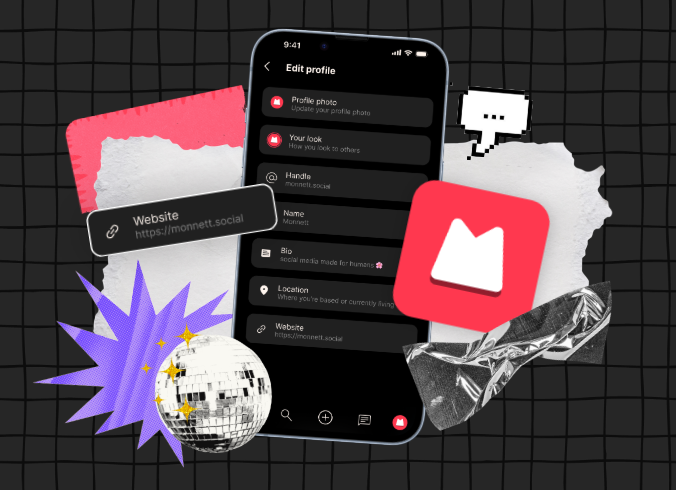
Your Monnett profile is more than just a name. It’s your space to show the world who you are. Adding a website link is one of the easiest ways to customize your profile and direct people to your work, portfolio, or anything else you’d like to share.
Having a clickable link right on your profile makes it simple for anyone who visits to get to know more about you, with just one click. In this guide, I’ll walk you through exactly how to add or update the link in your profile in less than a minute.
How to add a link to your profile on Monnett
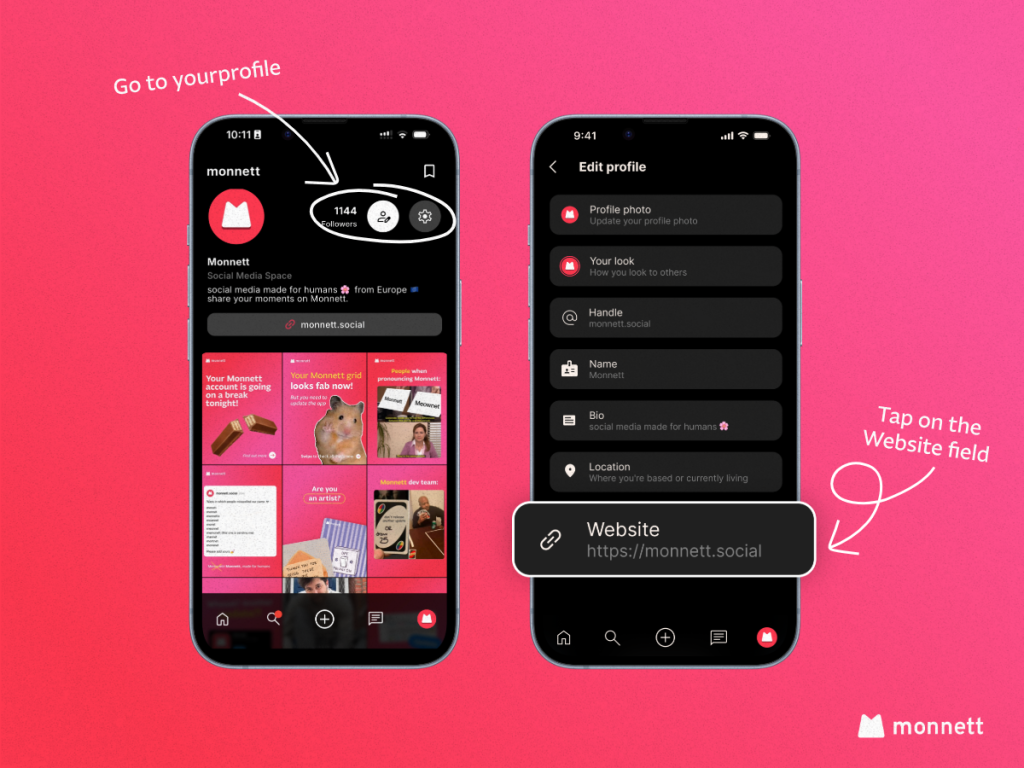
- Go to your profile.
Navigate to your profile page. You can usually find this by tapping your avatar or username from the home screen or navigation menu. - Tap the person icon.
Once on your profile, look for the person icon and tap it to open your profile settings and editable fields. - Scroll down to the Website section.
Keep scrolling until you reach the bottom of the page. You’ll find a dedicated Website field waiting for your link. - Tap on the Website field.
Tap the field to activate it and bring up your keyboard, ready for input. - Enter your link.
Type or paste the URL you’d like to display on your profile — your personal website, portfolio, or any link you want visitors to see. - Tap the arrow to save.
Hit the arrow button to confirm and save your changes. That’s it — your link is now live on your profile!
You’re all set!
Once saved, your link will appear on your public profile and anyone who visits will be able to tap it directly. Moreover, this small addition can make a big difference, especially if you’re looking to show people your work.
Running into trouble or have a question we haven’t covered? Our support team is happy to help — just reach out and we’ll get back to you as quickly as we can.
Join 100,000+ people
Be a person, not a user. Sign up and invite your friends to join you!
Related Articles
August 28, 2026

May 4, 2026

June 30, 2026