
How to Get Your Posts Seen on Monnett: Categories, Location, Hashtags and More
Published on September 10, 2026
How to Get Your Posts Seen on Monnett
On many platforms, posting feels like buying a lottery ticket. You might have thousands of followers, and only a fraction will ever see what you share. Monnett works differently, and once you understand how, it’s simple to get your posts in front of the right people.
The two audiences for every post
- Your followers (Home page). People who follow you see your posts on their Home page, in the order you posted them. There is no shadowbanning and no hidden ranking. If someone follows you, they see you.
- People who don’t follow you yet (Discover page). Discovery is where new people find you. Here, what they see depends on the choices they made in their “Discover” settings, and on the details you add to your post.
Understanding How the Discover Page Works
1. Choose the right category
Every post on Monnett needs a category. Currently these are Entertainment, Learn, Life, News, Sport, Art and Travel. For example, a sketch belongs in Art, a weekend away in Travel. Then, when people scroll through their Discover page, they can choose which ones they wish to see in their feed by clicking on the tags to select them.
2. Add a location
Since the proximity-based Discover page update, people can choose to see content local to them first–national, or global. If you add a location to your post, people in your area will see it sooner. This works especially well for local events, food, nature walks, city life and small businesses around you.
3. Use hashtags
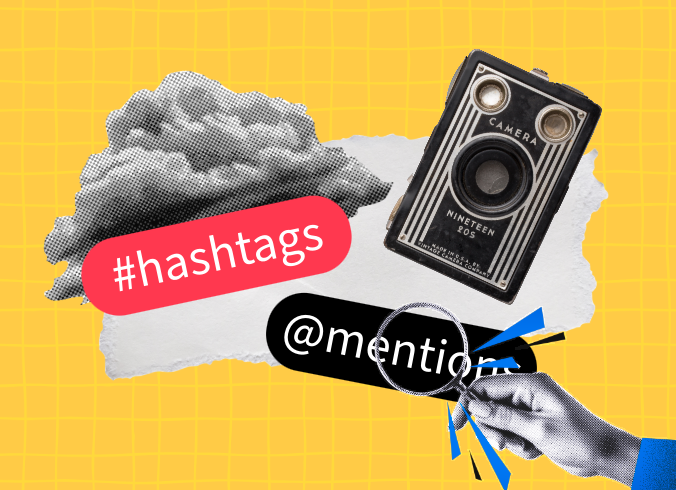
We’re bringing back the good old fashioned hashtags. Add them to mark the topic of your post, such as a hobby or theme, and people searching for it will easily find your content. Additionally, post captions are searchable by keywords, which means that with the right description you can reach the right audience.
4. Write a good caption
As mentioned above, because captions are searchable, a clear caption is a great way to reach people who are interested in the topic. Instead of only an emoji, use it to express yourself, share where the picture was taken if you’re posting retrospectively, what it’s about, what you were feeling. It gives you more opportunities to reach people.
5. Tag people
You can both tag people in the post description or mention them in the comments. In the settings, you can choose who is allowed to tag you.
6. Show up in the conversation
Reply to comments and share your thoughts on posts you like. After all, Monnett is all about the community, connecting with people and finding interesting conversations. Being active is what builds a network, not chasing a trend.
7. Invite your friends and share your profile
Did you know that your profile has a shareable link? Put it in your other social media bios, send it to friends, and add a link to your profile with our guide: How to Add a Link to Your Profile on Monnett.
Quick checklist before you post
- Always choose a category
- Add location (if you want local visibility)
- Include a hashtag or two that are relatable to your content
- Use the caption to describe the post or share relatable topics
- Tag your friends
Do I need to post every day?
No. There’s no algorithm punishing you for skipping a day. Post when you have something to share. Post when you want to remember a moment. Make Monnett your diary, make it whatever you want it to be. And if someone follows you, they’ll always see your posts in your Home feed.
Join 100,000+ people
Be a person, not a user. Sign up and invite your friends to join you!
Related Articles

March 5, 2026

May 7, 2026
March 9, 2026