
How to Create an Account on Monnett
Published on June 5, 2026
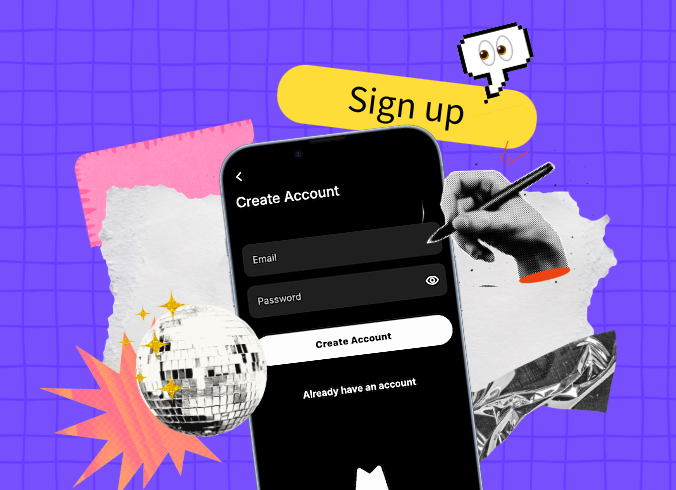
Getting started on Monnett
Monnett is a European social network built for humans. Creating your account takes just a few minutes, and you’ll be able to claim your handle and start shaping your feed from day one.
Before you begin
A couple of things to have ready:
- A valid email address
- A secure password (at least 8 characters, including at least one special character)
- You must be 18 years or older to join Monnett
Step 1 — Download the app
Monnett is currently available as a mobile app. Head to the store for your device:
- iOS: App Store
- Android: Google Play
A web version is on the roadmap, but for now the mobile app is the only way to access Monnett.
Step 2 — Open the app and tap “`Sign up”
Once the app is installed, open it and select the option to create a new account.
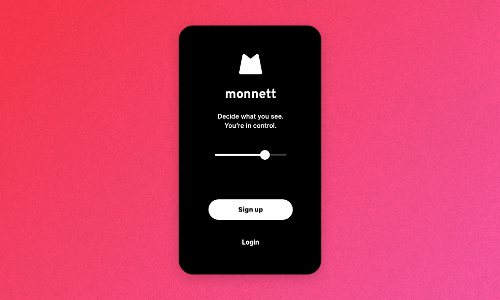
Create a new account by tapping “Sing up”
Step 3 — Enter your details
You’ll be asked to provide:
- Your date of birth
- Your email address
- A password. Make it unique to Monnett and include at least one special character.
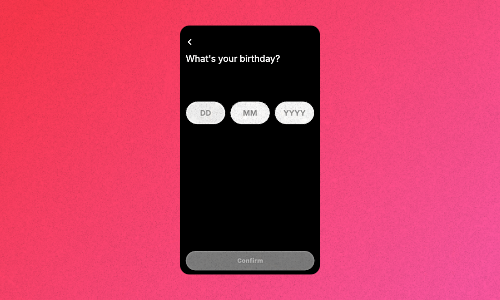
Add your date of birth
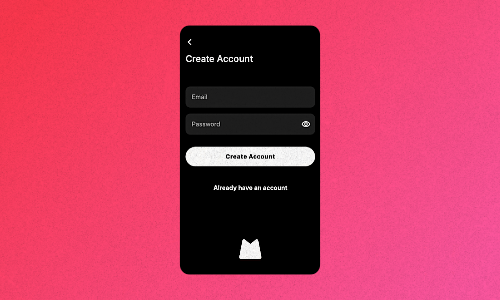
Choose email and password
Step 4 — Check your email and enter the code
Go to your mailbox and enter the code that you’ve received to verify your email.
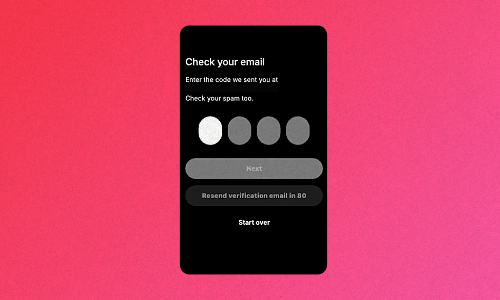
Verify your email with the code
Step 5 — Accept Privacy Policy & Terms of Service
Accept Monnett’s Privacy Policy & Terms of Service to continue setting up your account.
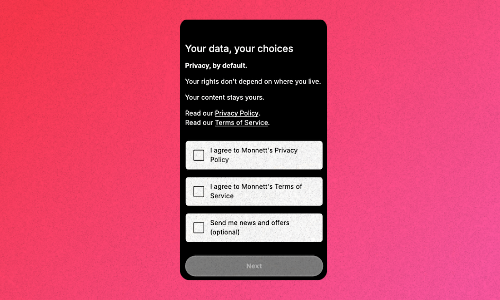
Accept Privacy Policy & Terms of Service
Step 6 — Choose your @handle
Your handle is your identity on Monnett. Pick something that represents you. Once claimed, it’s yours.
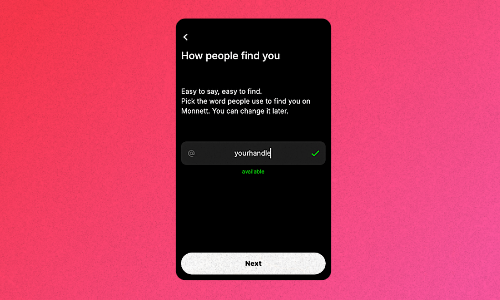
Choose your handle
Step 7 — Set up your feed
When you first log in, your Home Page will be empty by default. It’s designed to show content from people you follow, not from an algorithm. Head to the Discovery page to search for topics you’re interested in, and invite friends to join you on the platform.
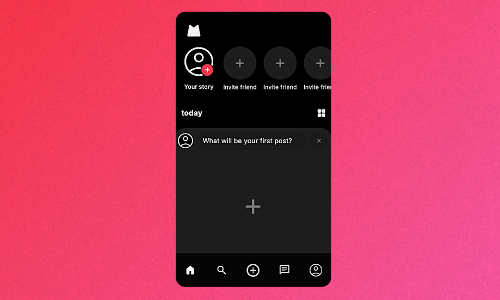
Curate your Home page and decide who you want to see
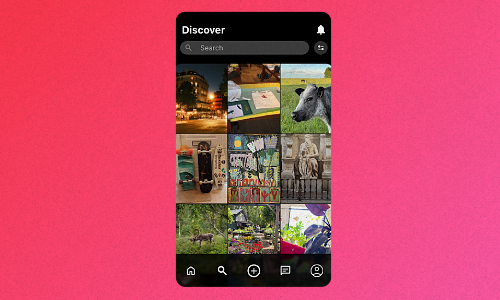
Find more people by going to the Discovery page
You can also open the “Show me” control panel (it can be found in the top-right corner of the Discovery page) to set your content preferences across categories like Entertainment, News, Sports, and more.
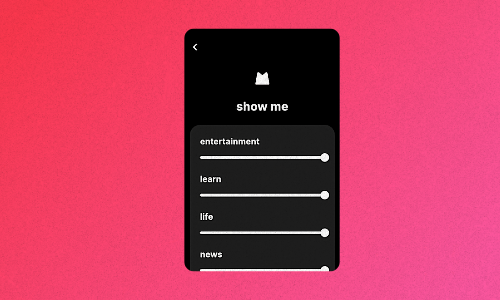
Adjust what’s showing up in your Discovery feed
Troubleshooting
Getting an “internal server error” during registration? Your account may have already been created. Try logging in with the credentials you entered before attempting to register again.
Having issues with verification code arriving in your mailbox? Check your spam folder to see if it didn’t end up there by accident.
Still having trouble? Reach out to our team via the Contact page.
Join 100,000+ people
Be a person, not a user. Sign up and invite your friends to join you!
Related Articles

May 7, 2026
March 4, 2026
August 28, 2026